01
 Read the Getting started guide →
Getting started
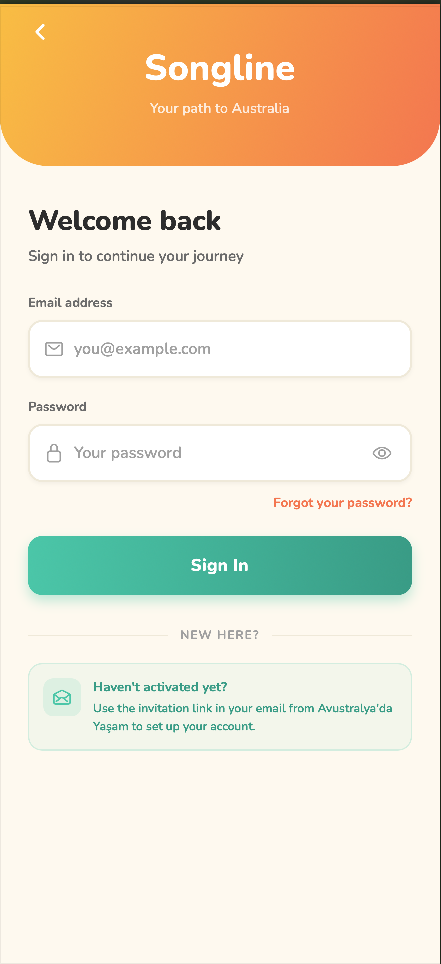
Your agency sends you an invite. Open it on your phone and sign in — no password to remember; you sign in securely from your invite.
- Tap the link in your invite email to open the app.
- Add it to your home screen when prompted, so it opens like any other app.
02
Your visa journey
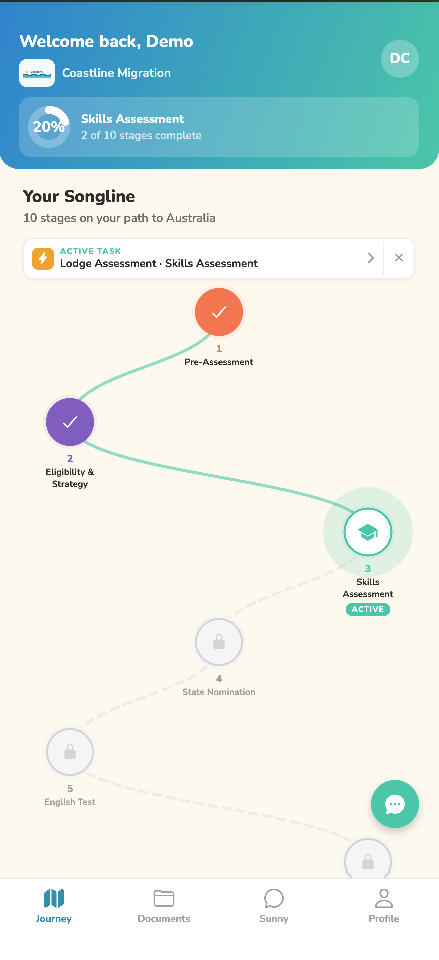
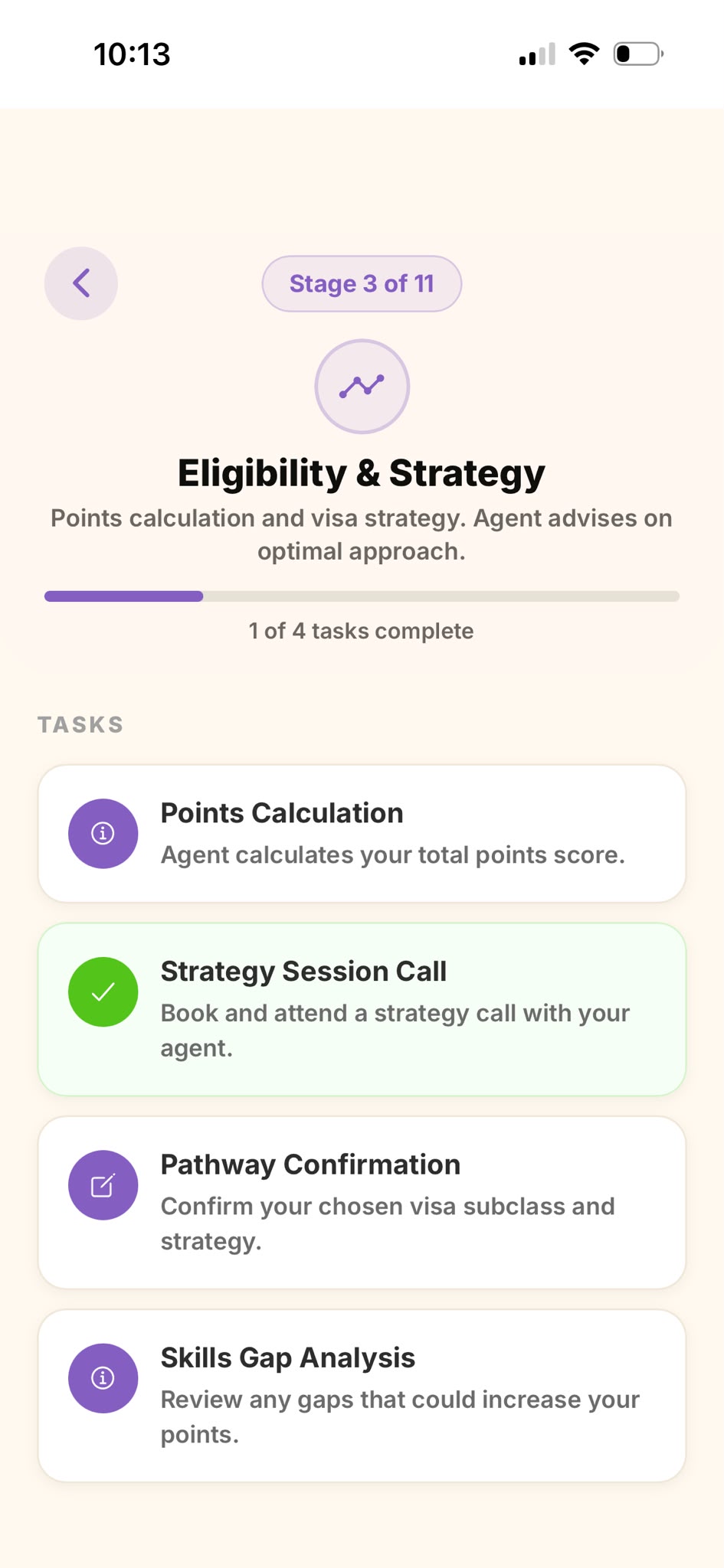
Your application is laid out as a series of stages, each with a few tasks. Work through them top to bottom — the app tracks your progress as you go.
- The My Visa Journey tab shows every stage and your overall progress.
- Tap the active stage to see its tasks. A green tick means a task is done.
03
 Read the Completing a form guide →
Completing a form
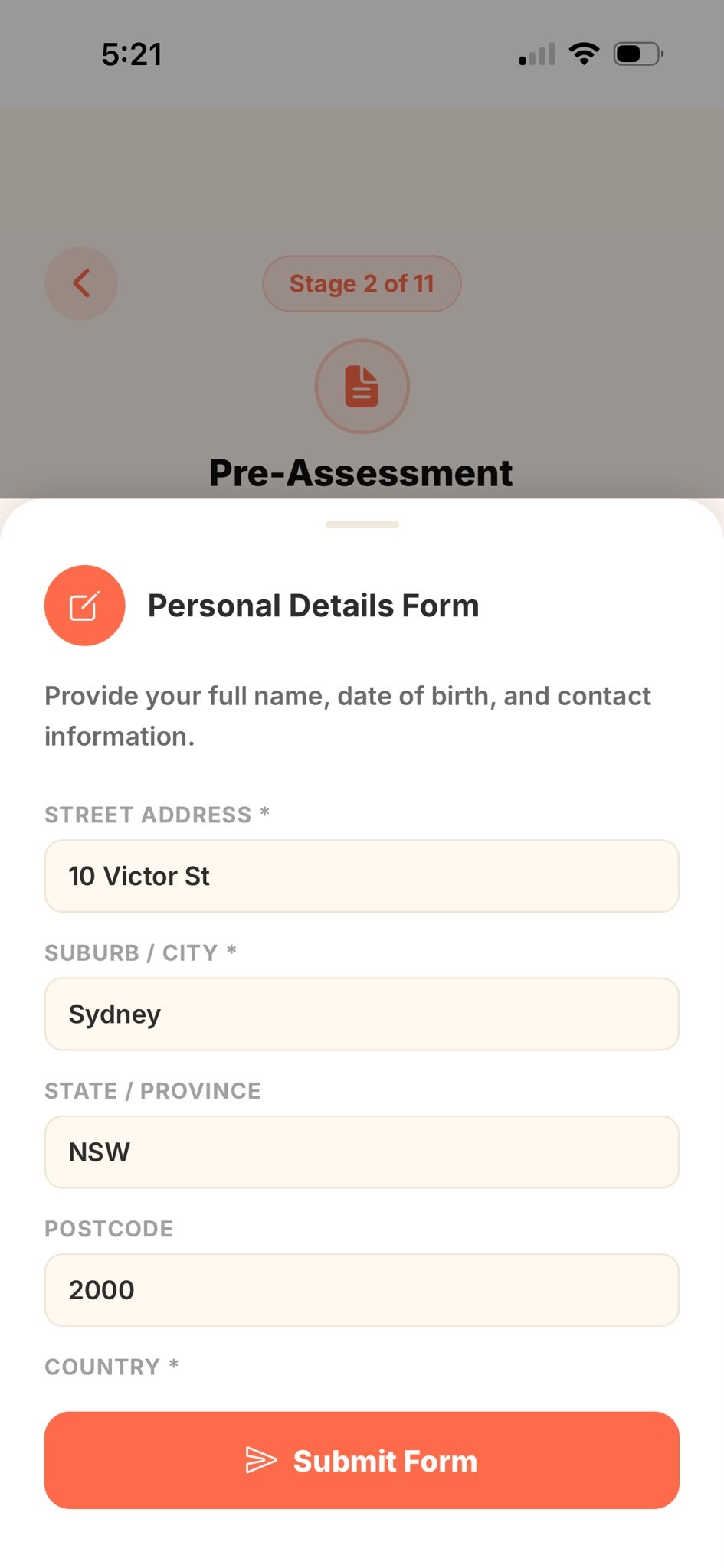
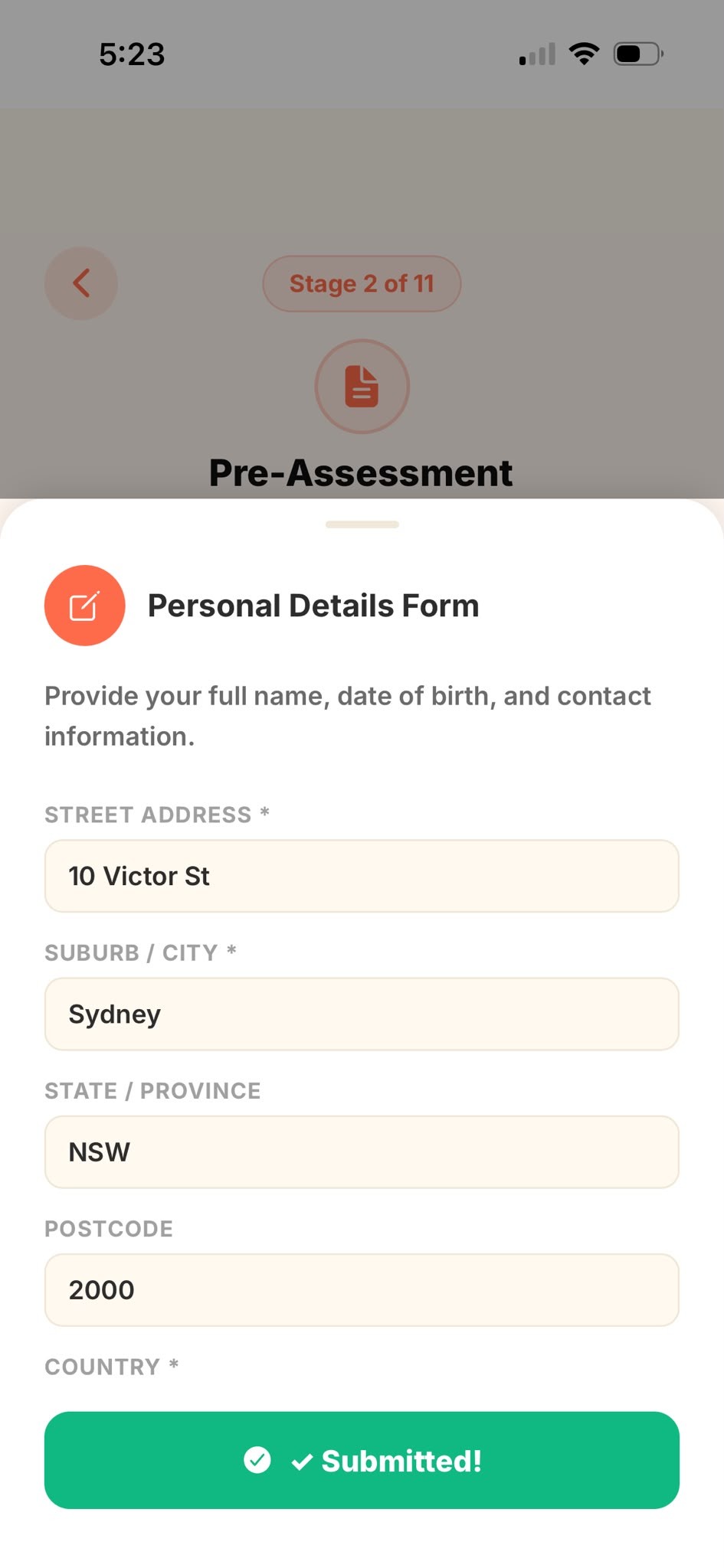
Some tasks are forms — like your personal details or identity information. Fill in the fields and submit.
- Complete each field; those marked * are required. Tap Submit Form.
- You'll see ✓ Submitted!, and your answers are saved and encrypted.
04
 Read the Making a payment guide →
Making a payment
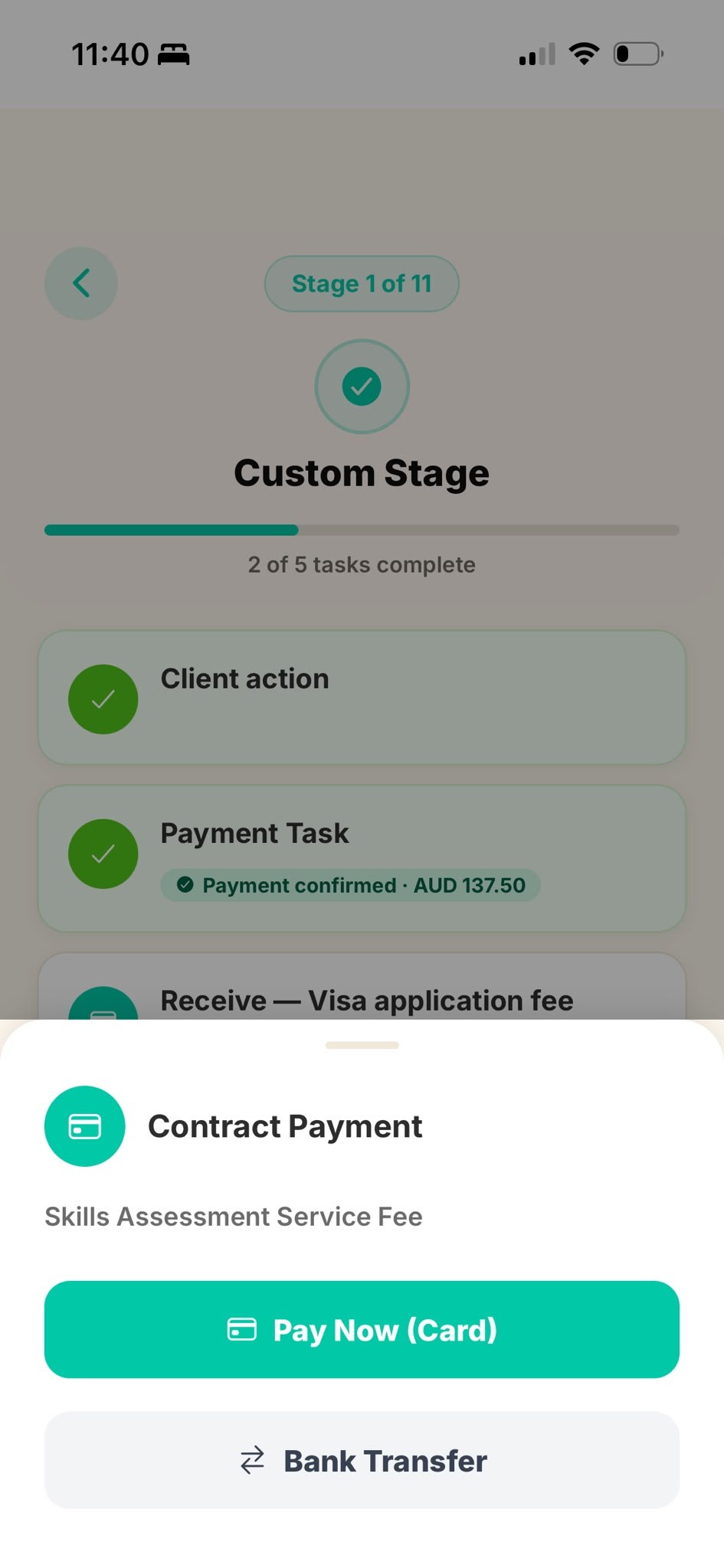
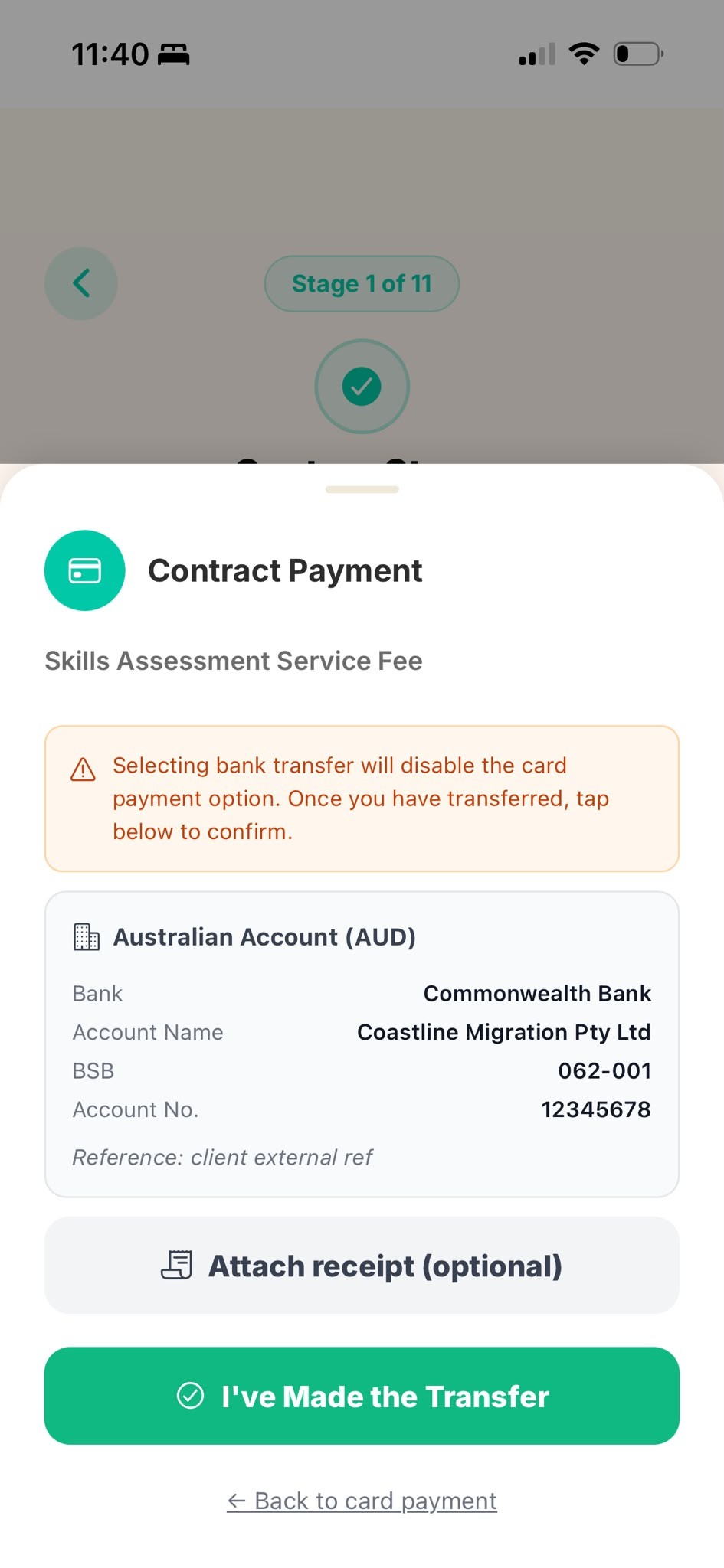
When a task needs a fee paid, you can pay instantly by card, or by bank transfer.
- Pay Now (Card) — complete payment on the secure Stripe checkout; the task is marked paid automatically.
- Bank Transfer — transfer to the account shown using the reference, then tap I've Made the Transfer.
05
 Read the Booking a meeting guide →
Booking a meeting
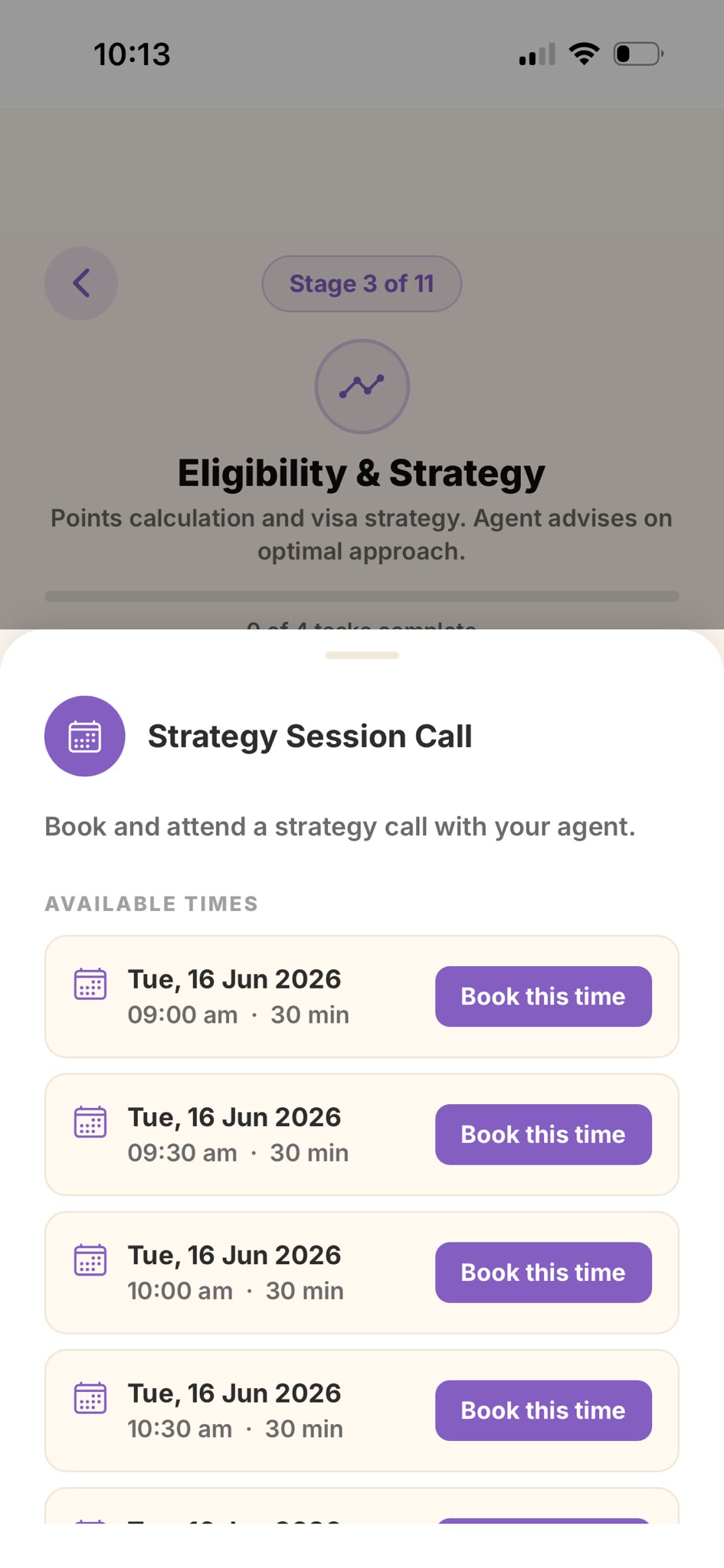
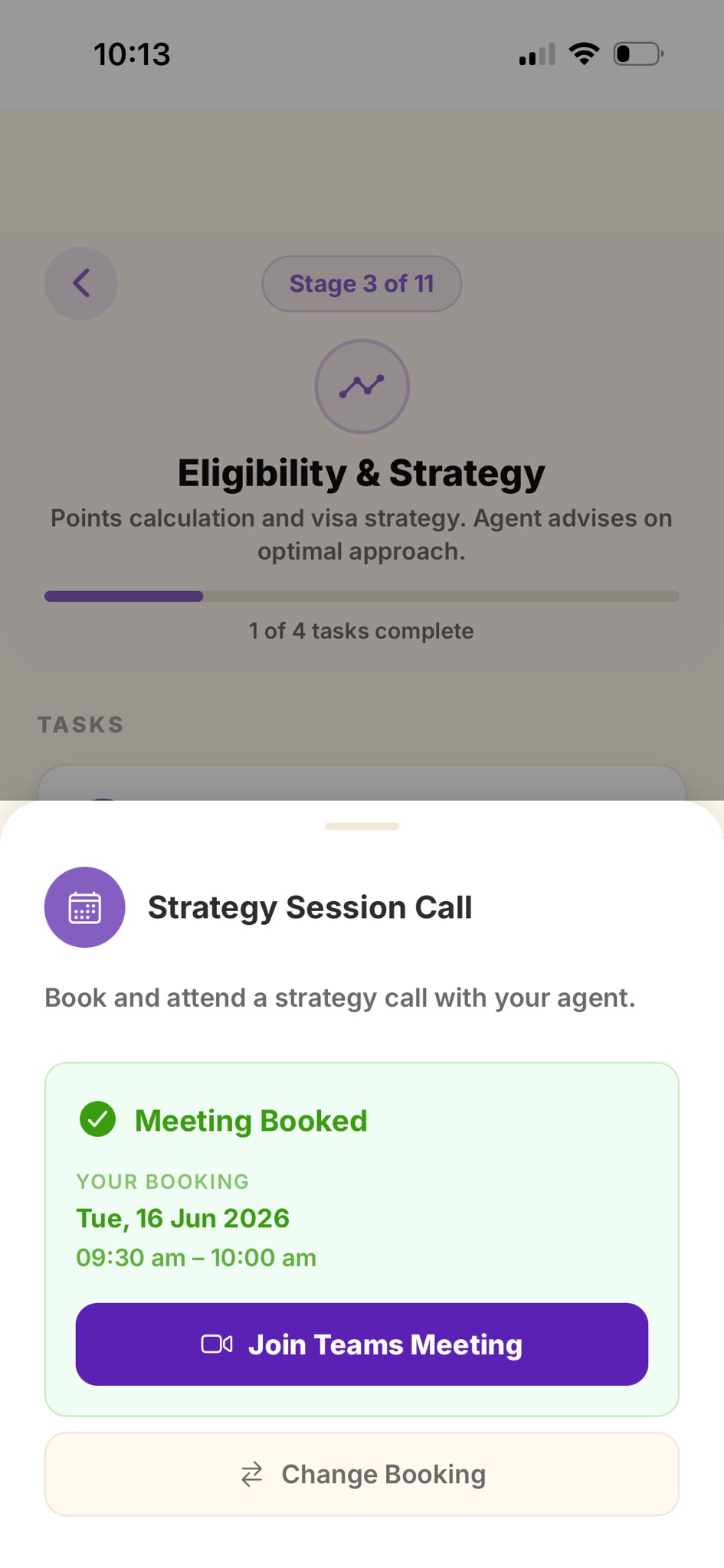
Book your consultation with your agent straight from the app, then join online via Microsoft Teams.
- Open the booking task, pick a time under Available Times, and confirm.
- At the scheduled time, tap Join Teams Meeting. You'll also get a calendar invite by email.
06
Uploading documents
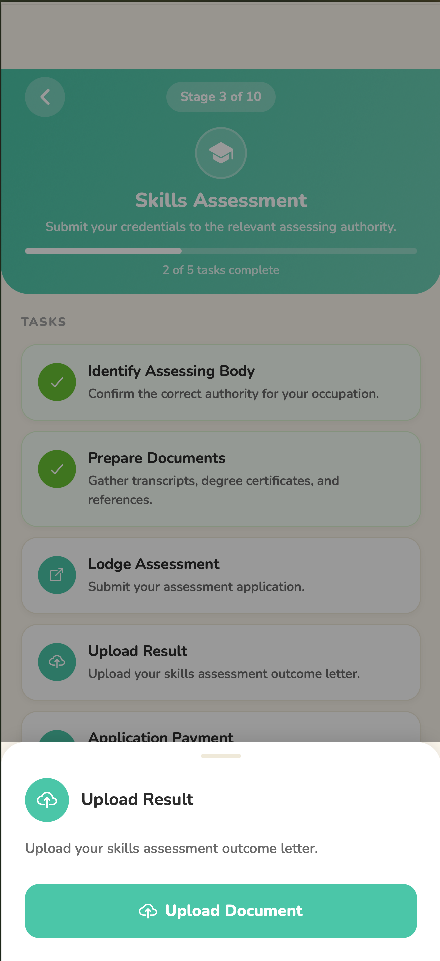
Many tasks ask for a document — a passport, a certificate, a form. Upload it straight from your phone.
- Tap the document task, then Upload — choose a photo, a file, or take a new photo.
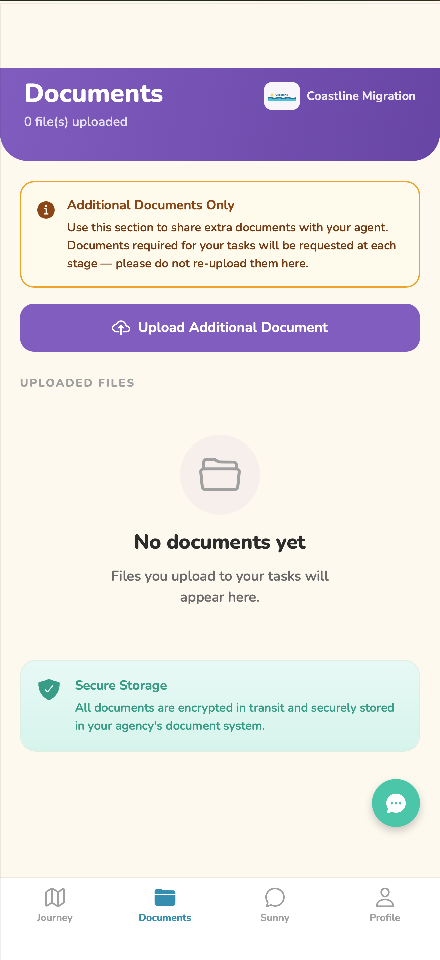
- Uploaded files appear under the Documents tab any time you want to review them.
07
 Read the Contacting your agent guide →
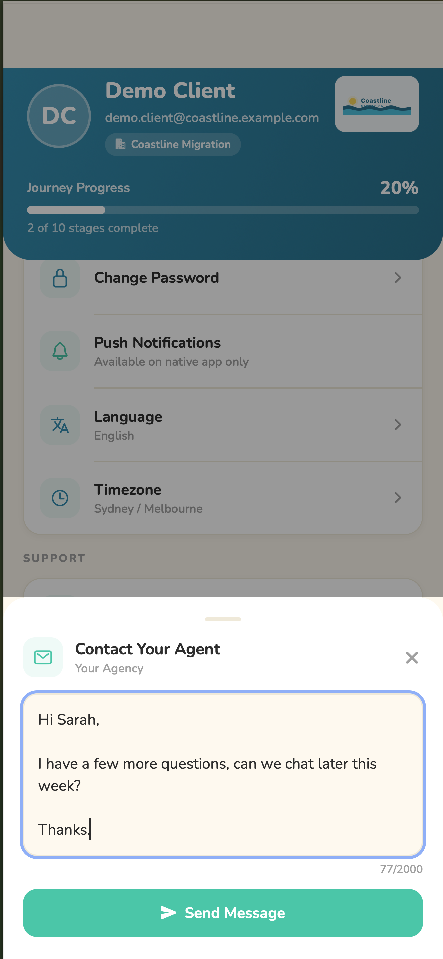
Contacting your agent
Have a question? Message your migration agent any time from the app.
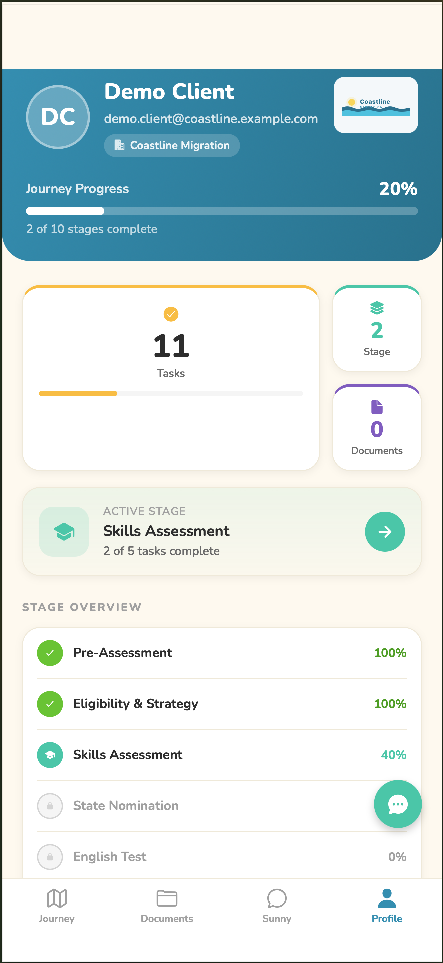
- Open the Profile tab, scroll to Support, and tap Contact Your Agent.
- Type your message and tap Send Message. Your agent replies inside the app.
💡
Stuck on how something works? Tap Sunny, the in-app assistant, for instant help. For anything about your specific visa, documents or fees, your migration agent is always the best source.