1
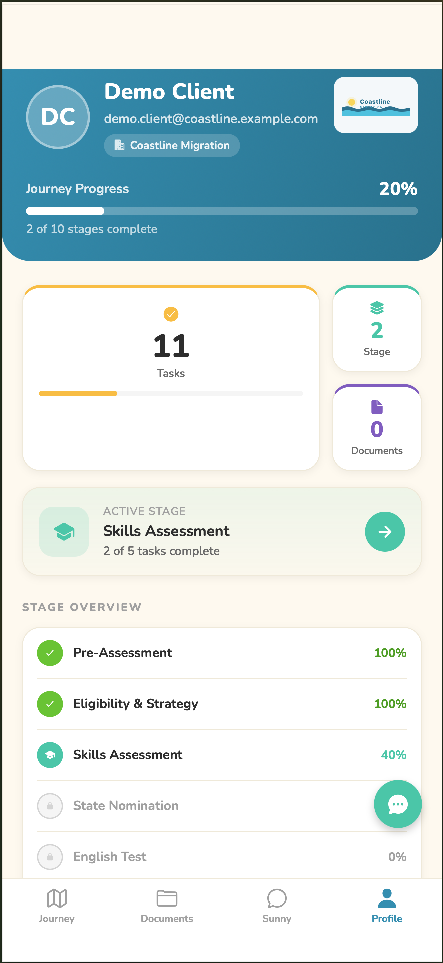
Open the Profile tab
Tap Profile in the bottom menu, then scroll down to the Support section.
2
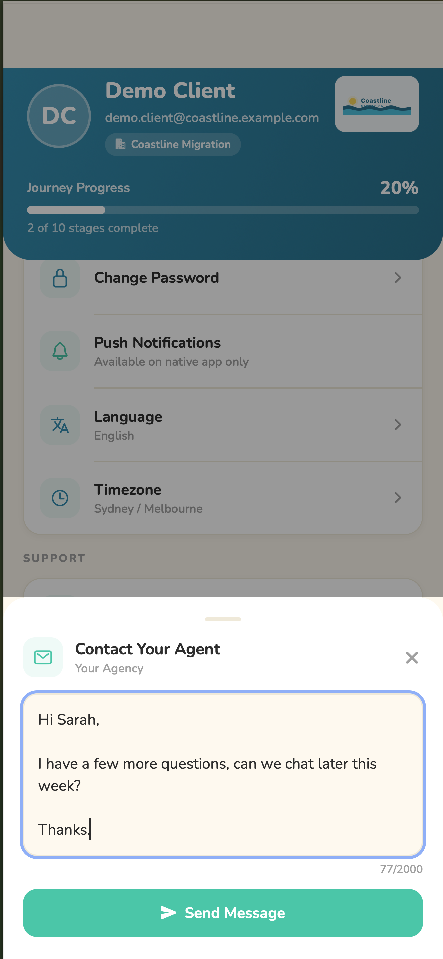
Write and send your message
Tap Contact Your Agent, type your message, and tap Send Message. Your agent replies inside the app.
💡
Need a quick answer first? Tap Sunny, the in-app assistant, for instant help on how the app works. For anything about your specific visa, documents, or fees, your migration agent is always the best source.