1
Log in
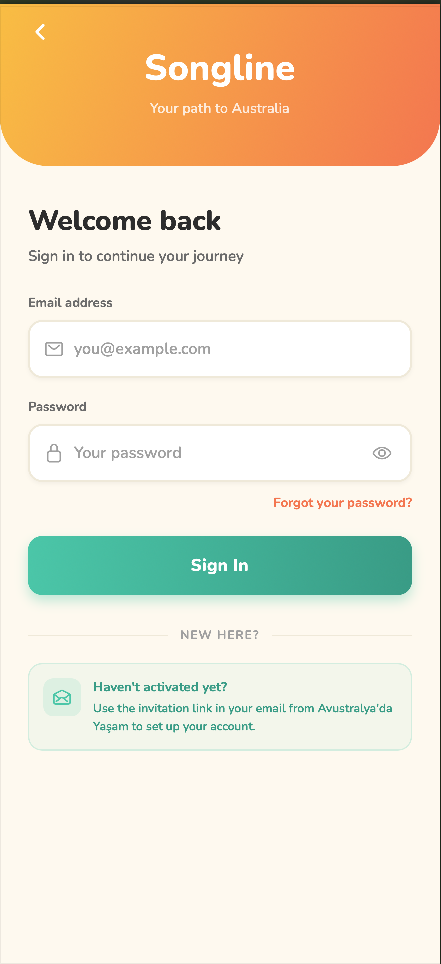
Go to app.songline.au, enter your email and password, then tap Log in.
2
Open a stage
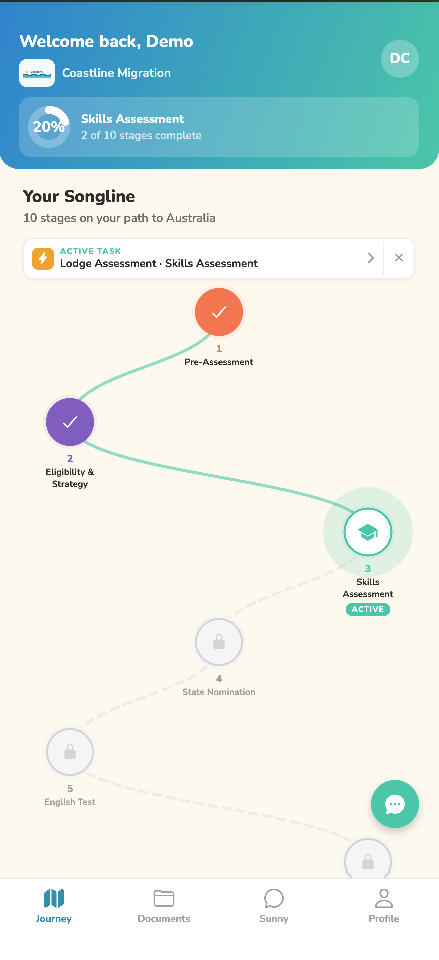
In your journey, tap a stage marked ACTIVE.
3
Choose a task
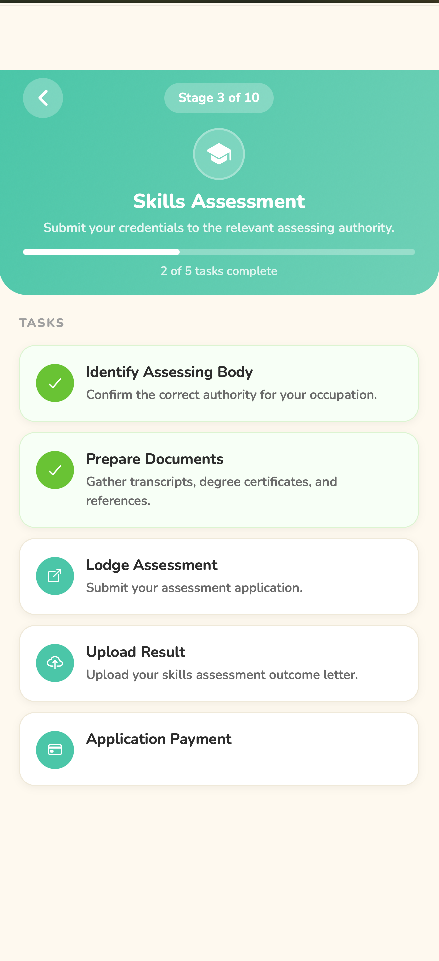
Tap the task you want to upload a document to. Tasks with a green tick are already complete.
4
Upload your document
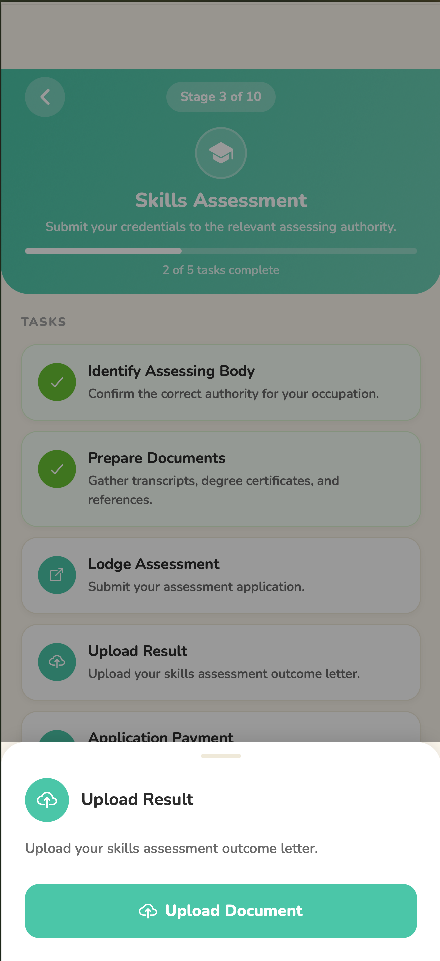
Tap Upload document and choose your file. You can add more than one document to a single task.
💡
Not sure which document goes where? Each task's title explains exactly which document it needs. If you get stuck, your agent is there to help.